Leveraging TikTok’s new features: shopping and live streaming for e-commerce

There has been a recent shift in the way brands market and display their products online. And TikTok, a leader in engaging content, is at the forefront of this shift.
TikTok has introduced a new feature called TikTok in-app shopping and live streaming. These TikTok e-commerce tools have so many advantages for brands that deal in online retail. One benefit is that they can create immersive shopping experiences that boost sales.
Moreover, as a small business owner struggling with visibility and sales, should you invest in these features?
To answer your questions, this blog will explain how social commerce on TikTok works.
Understanding TikTok shopping
TikTok Shop is an e-commerce feature designed to empower users, entrepreneurs, and businesses. It enables anyone to sell their products within the app by making them accessible to a vast user base.
This means users can shift from viewing fun content to buying products without leaving the platform.
One thing you should know before investing your time is that TikTok Shops are available in the U.S., U.K., and China.
Who are the people using the TikTok shop?
TikTok divides shop users into four main categories.
First, the sellers. Sellers are brands that are willing to sell their products in the TikTok shopping and livestreaming community.
Next, the creators. These are people who can activate new revenue streams. They can do this by using their platform to sell and promote a product they like.
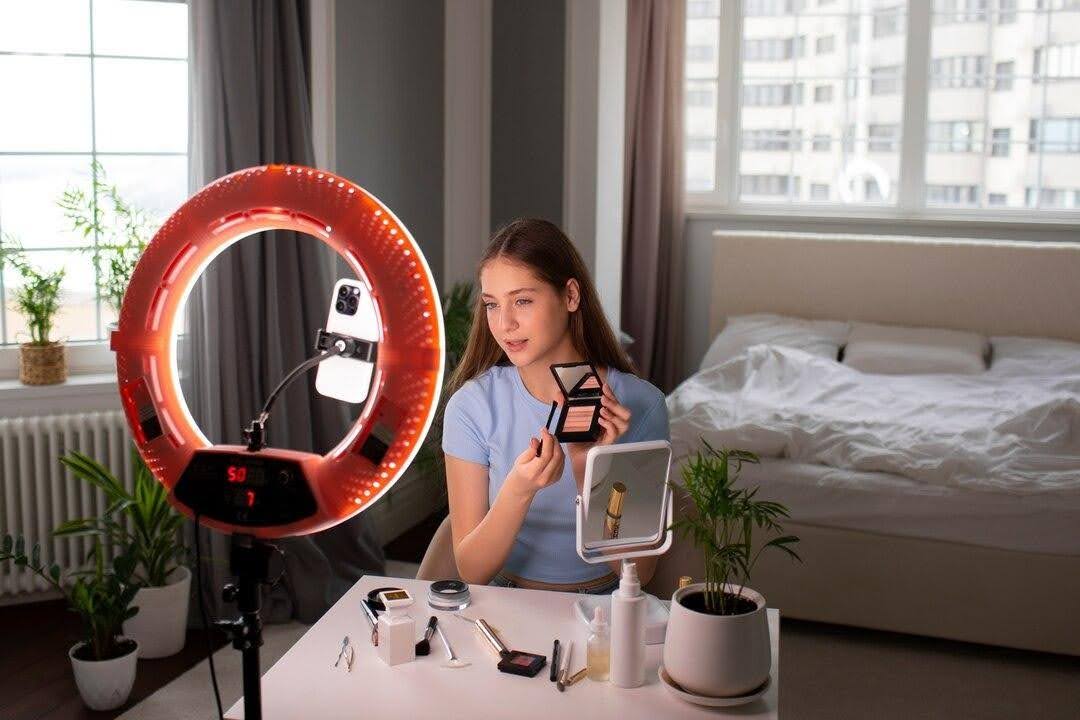
Like a seller account, there are some criteria. These include a minimum following (1,000 followers or more) and video views. If you don't have up to 1,000 followers, use these tips.
There are also partners. They are like a marketing agency for sellers and creators. They help them achieve their growth goals.
Finally, there are shoppers. They're people seeking recommendations on new products and a smooth online shopping experience.
Setting up your TikTok shopping and livestreaming feature for business.
So, now that you know all the basic things about TikTok Shop, how do you get started? First, go to the TikTok Seller Center.

Click on the region you live in. If you stay in Europe, tap on it, then hit enter. Here you’ll enter your login details (use the account that has at least a thousand followers).
The second step is to choose your business type. Tap on the one you are doing. (Don’t worry too much about this part. You can always change it after your page gets approved.)
Click next, then TikTok will take you to the primary representative section.
This is the place you’ll add your ID (when you do so, TikTok verifies who you say you are). You can register with either your passport or your driver's license. Once you’re done, hit next.

When you get to the third step, TikTok will request that you submit your address and your taxpayer ID. If you selected “sole proprietor” earlier, then you’re using your Social Security number. Put that at the bottom of the page.
If you don't have a business address, that's fine. Select that you have only a residential address.
Once you’re done, click next and then select the country or region where you want to store or process your data.
And the question below (Do you work with any third parties or subcontractors?)—you'll select yes if you do and no if you don’t.
Then, tick the button below. This confirms your compliance with the security requirements and acceptance of their terms. Once you finish, tap next.

Then TikTok will take you to the shop information section. In this section, you’ll add your generic name and your primary product or service. Then, to secure your sign-up, put in your phone number.
Also, after you register and provide the docs, you'll get an email from TikTok about your application in a day or two. Once approved, take the next step.
Before adding your product, go to your TikTok Seller Center. Click Shipping, then Shipping Options to set your preferences.
Select which option is best for you based on the size and scale of your business.
Next, you'll upload some of your products. Generally, you need a name, a description, an image, and the price for your products.
Finally, go into the seller's center. Customize your shop's look and theme. Remember it should match your brand.
How can users find your store on TikTok?

Now that you're done setting up your digital store. How can your target audience get your products through the TikTok shop?
The first way customers can find your product is through livestream selling.
With TikTok livestream shopping, viewers can engage with your products in real time. They can add your product to their cart while you answer their questions. Also, they can check out whenever they're ready.
Another way is shoppable videos. Which is basically your content that contains links for users to buy featured products without clicking away from the video.
TikTok also offers sellers a Store page. It adds a shopping tab and a bag icon to your profile. They will lead users to a page of curated products, like new releases or your best seller.
Finally, the shop tab helps users discover products. They can search for items and see suggestions based on past activity or purchases.
Tips on how to keep your brand sales growing.

Recently, you've been boosting sales with TikTok Shopping and livestreaming. Today, sales might hit a thousand pounds, and tomorrow, they could soar to ten thousand. So, how do you maintain your sales and visibility?
One of the best shopping campaigns is to optimize the product catalog. Ensure your images and products match your brand's style.
Also, you don't have to list every single product you make and overwhelm users with choices. Instead, you'll check for popular products in your space. Then, see if you can fill a gap or offer a better value.
Next, create content. TikTok has become so much more than a platform for silly dance videos. It is changing the way we have to think about SEO. That's why when creating content, it should be fun but also relatable to your brand and niche. It should be something your audience would be searching about.
The third strategy is hashtags. Hashtags on TikTok function like keywords on Google. That's why it is important to tag your content with both trending and niche tags.
Finally, invest in a good influencer for your brand. When it comes to product promotion, you need to find a good fit for your brand. To do that, TikTok's shop partner listings are a great place to find a suitable partner for your brand and budget.
Common mistakes to avoid
Common mistake number one is not selecting the correct category. Always list your products under the accurate category. This helps users find them. It also avoids violations from TikTok.
Mistake number two: price spamming. Some brands think that changing prices all the time will entice shoppers to buy before they rise. But it generates distrust in the brand. Both from shoppers and the algorithms.
Finally, misleading product titles. Make sure all your product titles are clear and concise.
Final note!
One main rule you should never break is your consistency. Always post every day and check your TikTok metrics to see how well you're doing.
If you're doing really well, still don't relent or relax. If you do, your customers might forget your brand and buy from another brand.
Moreover, to boost your brand on TikTok, read our article on using TikTok trends for marketing.
Be the first to know about every new letter.
No spam, unsubscribe anytime.